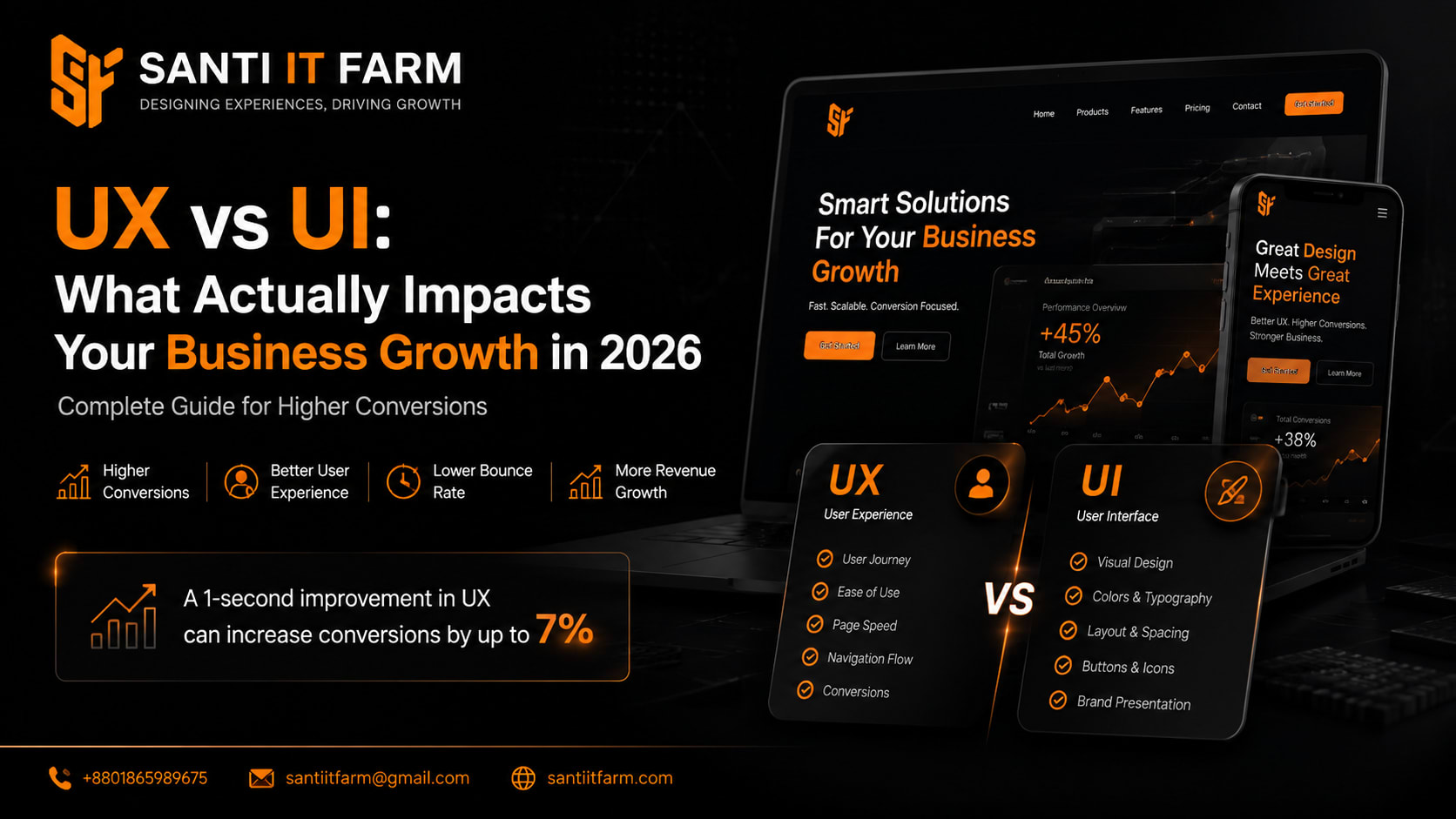
Why Most Businesses Get UX vs UI Wrong
Many business owners believe that a "beautiful website" automatically brings sales. Others think UX (User Experience) and UI (User Interface) are the same thing.
This confusion is costing businesses money.
In reality, UI makes your website look good, but UX decides whether users stay, trust, and buy.
If your website gets traffic but no conversions, the problem is almost always UX—not UI.
In this guide, you'll learn exactly: What UX vs UI really means, which one impacts your business more, how to improve both for higher conversions, and real-world implementation strategies used by top-performing websites.
Quick Answer: UX vs UI in Business Growth
- UI (User Interface) = Visual design (colors, layout, buttons, typography)
- UX (User Experience) = User journey (how easy, fast, and smooth it feels)
- UX directly impacts sales, conversions, and retention
- UI impacts first impressions and brand trust
- A great UI without UX = beautiful website that doesn't convert
- A strong UX with simple UI = high-converting business machine
What is UX vs UI? (Simple but Professional Breakdown)
UI (User Interface) is everything users see on your website: Buttons, Colors, Typography, Layout, Images, Animations. Example: A modern landing page with clean fonts and attractive visuals = good UI. But UI alone does NOT guarantee sales.
UX (User Experience) is how users feel and behave when interacting with your website. It includes: Page loading speed, Navigation flow, Checkout process, Mobile usability, Information clarity. Example: A user finds product, understands pricing, and checks out in 2 clicks = strong UX.
Key Difference in One Line: UI = How it looks. UX = How it works.
Why UX vs UI Matters in 2026 (Business Impact)
- In 2026, competition is not about who has the best-looking website.
- It's about: Who loads faster, who converts easier, who reduces friction in buying.
- Poor UX → High bounce rate → Lost customers
- Strong UX → Higher conversions → More revenue
- Weak UI → Low trust → Reduced engagement
- Strong UI → Better first impression → Increased credibility
Fact: Even a 1-second delay in UX flow can reduce conversions significantly.
Key Benefits of Strong UX and UI
Higher Conversion Rate
Clear UX removes confusion. Users complete actions faster.
Better Customer Trust
Professional UI builds credibility instantly.
Lower Marketing Cost
More conversions from same traffic = higher ROI.
Increased User Retention
Smooth UX makes users come back.
Strong Brand Positioning
Good UI + UX = premium brand perception.
Real Business Use Case: Before vs After UX Optimization
Before
- — Scenario: E-commerce Website
- — Beautiful design (good UI)
- — Slow checkout process
- — Confusing navigation
- — High cart abandonment
- — Result: Low sales despite traffic
After
- Simplified menu
- One-page checkout
- Faster loading
- Clear product filtering
- Result: +45% increase in sales, -30% bounce rate, Higher repeat customers
Lesson: UX directly impacts revenue—not just design.
Step-by-Step Guide to Improve UX vs UI for Your Business Website
Step 1: Analyze User Behavior
- › Use heatmaps
- › Track drop-off pages
Step 2: Simplify Navigation
- › Limit menu items
- › Make actions obvious
Step 3: Improve Loading Speed
- › Optimize images
- › Use caching tools
Step 4: Upgrade UI for Trust
- › Consistent branding
- › Professional typography
Step 5: Optimize Mobile UX
- › Thumb-friendly design
- › Fast mobile load time
Step 6: Test and Improve Continuously
- › A/B testing
- › User feedback analysis
Tools & Technologies for UX/UI Optimization
Here are industry tools used by professionals.
Common UX vs UI Mistakes Businesses Make
- 1. Focusing Only on Design (UI): Beautiful website, but no conversions.
- 2. Ignoring Mobile Users: Over 70% traffic is mobile in most businesses.
- 3. Slow Loading Speed: Users leave before page loads.
- 4. Confusing Navigation: Users can't find what they need.
- 5. Too Many Visual Elements: Over-designed UI kills UX clarity.
FAQ: UX vs UI in Business
UX vs UI Is Not a Design Debate—It's a Business Strategy
The real truth is simple:
UI attracts attention
UX drives action
Business success comes from UX-driven systems, not just visuals
If your website is not converting traffic into customers, your problem is not marketing—it's UX.
Turn Your Website into a High-Converting Business System
At Santi IT Farm, we specialize in building high-performance websites, UX optimization systems, and conversion-focused digital experiences for businesses.
We don't just design websites—we build systems that generate leads, sales, and growth.
- Higher conversions
- Better user experience
- Faster, SEO-optimized website
- Professional UI/UX redesign
Contact Santi IT Farm today and transform your website into a revenue-generating machine. Your traffic is already there. Let's turn it into customers.
Get Started