Introduction
Starting a business is expensive—and for most startups, building a professional website feels like a luxury.
You're stuck between: cheap freelancers who deliver poor quality, expensive agencies that blow your budget, and DIY tools that waste your time.
But here's the truth: A budget-friendly website setup doesn't mean low quality—it means smart decisions.
In this guide, you'll learn exactly how to launch a high-performing website without overspending—and how to turn it into a revenue-generating asset.
Quick Answer
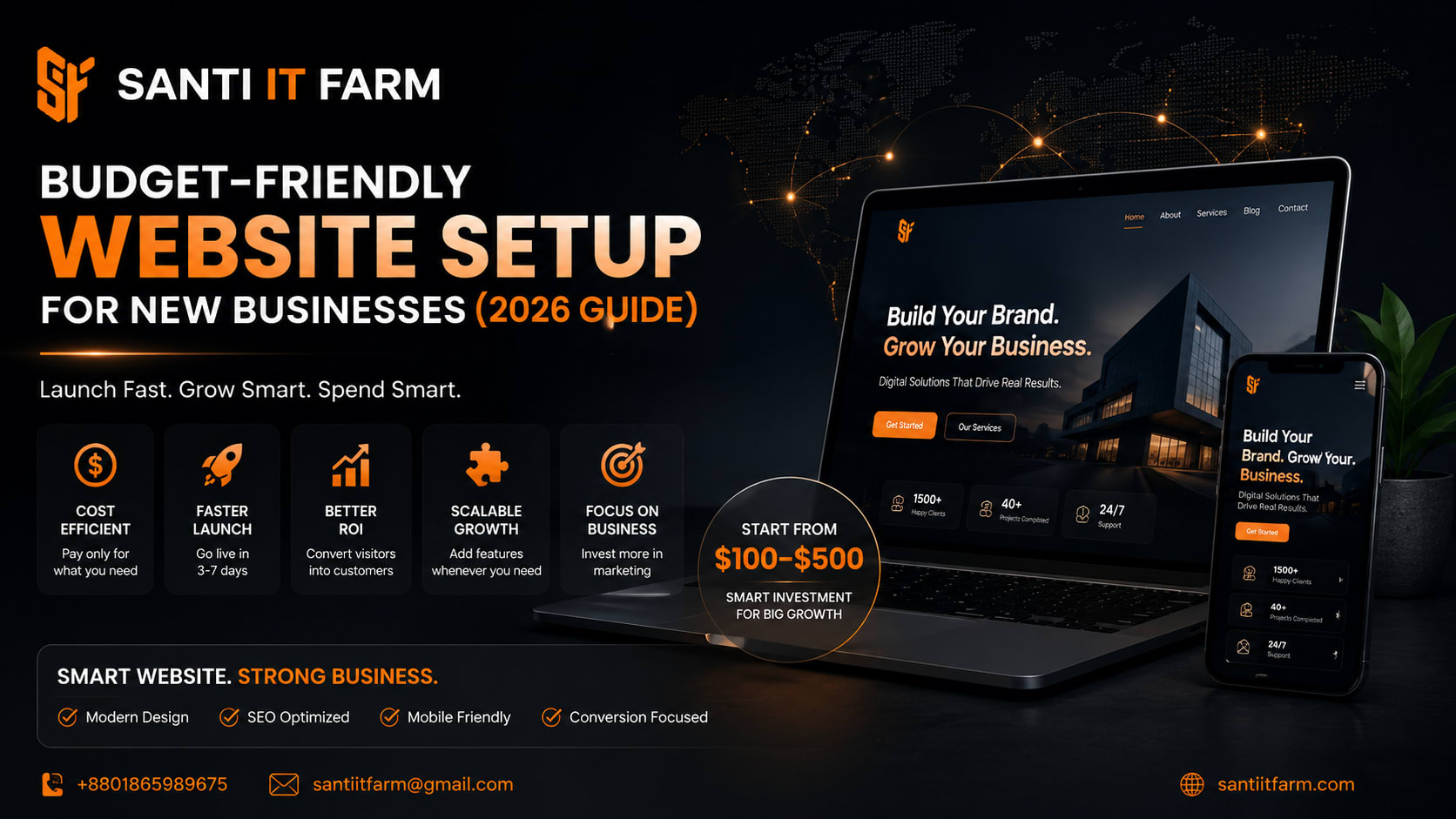
- A budget-friendly website costs $100–$500 if done strategically
- Use platforms like WordPress + Elementor for flexibility and low cost
- Focus on conversion (leads/sales), not just design
- Avoid overpaying for features you don't need early on
- Partner with experts to save time and prevent costly mistakes
What is Budget-Friendly Website Setup for New Businesses?
A budget-friendly website setup means building a professional, conversion-focused website using cost-efficient tools, smart planning, and scalable systems—without sacrificing quality.
It's not about 'cheap.' It's about ROI-driven development.
Instead of wasting money on unnecessary features, you: build only what you need now, use scalable technology, and optimize for growth from day one.
Why It Matters in 2026
- In 2026, your website is not just a digital presence—it's your primary sales engine.
- Customers trust businesses with professional websites.
- Social media alone is no longer enough.
- Google ranks fast, optimized, user-focused sites.
- AI tools prioritize structured, high-quality websites.
- Without a website: you lose credibility, you miss organic traffic, you depend fully on paid ads.
- With a smart budget website: you control your brand, you generate leads 24/7, you scale faster with less cost.
With a smart budget website: you control your brand, you generate leads 24/7, you scale faster with less cost.
Key Benefits of a Budget-Friendly Website
Cost Efficiency
Avoid unnecessary expenses. Pay only for essential features. Start small and scale later.
Faster Launch
Go live within 3–7 days. No long development delays.
Better ROI
Focus on lead generation. Convert visitors into customers.
Scalability
Add features later (eCommerce, booking, automation). Grow without rebuilding from scratch.
Business Focus
Spend more on marketing, less on development.
Real Business Use Case
Before
- — Scenario: A local IT service startup had a limited budget of $200.
- — What they did:
- — Used WordPress + a lightweight theme
- — Created 5 key pages (Home, About, Services, Contact, Blog)
- — Added WhatsApp chat integration
- — Focused on SEO basics
After
- Results in 60 days:
- 1,500+ organic visitors
- 40+ leads generated
- Closed 8 paying clients
The key wasn't money—it was strategy + execution.
Step-by-Step Implementation Guide
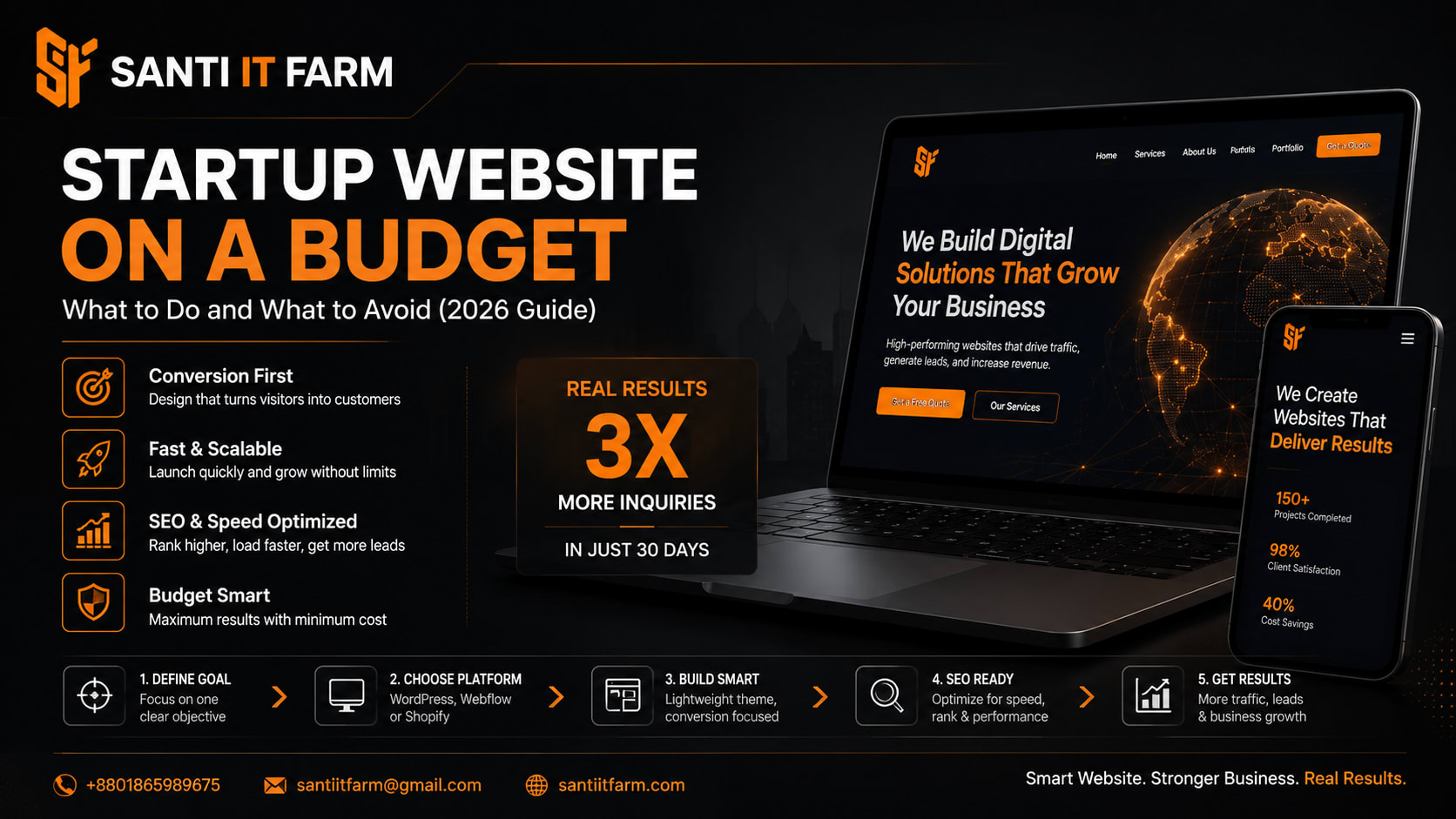
Step 1: Define Your Goal
- › Lead generation?
- › Online sales?
- › Portfolio showcase?
- › Your goal determines everything.
Step 2: Choose the Right Platform
- › Best budget-friendly options:
- › WordPress (recommended)
- › Wix (easy but limited scalability)
- › Shopify (for eCommerce)
- › Pro Tip: WordPress gives the best balance of cost + flexibility.
Step 3: Buy Domain & Hosting
- › Domain: $10–$15/year
- › Hosting: $30–$80/year
- › Choose reliable hosting to avoid: slow loading and website crashes.
Step 4: Use a Professional Theme
- › Avoid custom design at the start.
- › Use: Astra, GeneratePress.
- › Clean, fast, SEO-friendly themes work best.
Step 5: Build Core Pages
- › Must-have pages:
- › Home
- › About
- › Services
- › Contact
- › Blog (for SEO growth)
Step 6: Optimize for Conversion
- › Add: Clear CTA (Call-to-Action), contact forms, WhatsApp/chat integration, testimonials.
- › Your website should sell, not just look good.
Step 7: Basic SEO Setup
- › Optimize titles & meta descriptions
- › Use proper headings (H1, H2, H3)
- › Add keywords naturally
- › Improve loading speed
Tools & Technologies (Budget-Friendly Stack)
Common Mistakes to Avoid
Choosing Cheapest Freelancer
Result: Poor design, slow site, no conversions.
Overloading Features
You don't need: complex animations, heavy plugins, advanced systems early.
Ignoring Mobile Optimization
70%+ users come from mobile.
No SEO Setup
Your site won't rank → No traffic.
No Conversion Strategy
Visitors come… but don't convert.
FAQ Section
Conclusion
A budget-friendly website setup for new businesses is not about spending less—it's about spending smart.
If you: choose the right tools, focus on conversion, avoid common mistakes—
You can build a website that actually grows your business.
Ready to Launch Your Website the Smart Way?
At Santi IT Farm, we specialize in:
We don't just build websites—we build business growth systems.
Get started today: Contact Santi IT Farm and launch your professional website without wasting time or money.
- Budget-friendly website development
- Conversion-focused design
- SEO-optimized setup
- Fast delivery for startups
Contact Santi IT Farm and launch your professional website without wasting time or money.
Get Started