Introduction
Launching a startup is already expensive. But when it comes to building a website, many founders either overspend… or worse—cut corners that kill conversions.
You've probably seen it:
Cheap websites that look untrustworthy. DIY builds that never rank on Google. Freelancers who disappear after delivery.
The result? Lost customers, wasted money, and zero growth.
This guide will show you exactly how to build a startup website on a budget—without sacrificing quality, performance, or results.
Quick Answer
- Focus on conversion-first design, not just 'cheap' design
- Use scalable tools like WordPress + optimized themes
- Avoid overloading features in the beginning
- Invest in SEO + speed optimization from day one
- Work with professionals when it impacts revenue
What is a Startup Website on a Budget?
A startup website on a budget is not just about spending less—it's about spending smart.
It means: prioritizing essential features only, using cost-effective technologies, designing for growth and scalability, and avoiding unnecessary complexity.
The goal is simple: Launch fast, look professional, and generate leads—without burning cash.
Why It Matters in 2026
- In 2026, your website is not optional—it's your primary sales engine.
- Customers Google before they trust.
- First impressions happen in 3 seconds.
- AI tools prioritize structured, optimized websites.
- Slow or outdated sites = lost revenue instantly.
A poorly built budget website doesn't save money. It silently destroys your business growth.
Key Benefits of Doing It Right
Cost Efficiency
Avoid unnecessary features and bloated builds. Pay only for what drives results.
Faster Launch
Get your business online quickly. Start generating leads immediately.
Better Conversion Rates
Clean UI + clear CTA = more inquiries. Professional design builds trust.
SEO Advantage
Optimized structure helps rank faster. Organic traffic reduces ad dependency.
Scalability
Easy to upgrade as your business grows.
Real Business Use Case
Before
- — Scenario: A small IT startup wanted a website under a tight budget.
- — What they did wrong initially:
- — Bought a cheap template
- — No SEO optimization
- — No clear CTA
- — Result: Zero leads for 3 months.
After
- What changed: They rebuilt with:
- Clean landing page structure
- Service-focused content
- Speed optimization
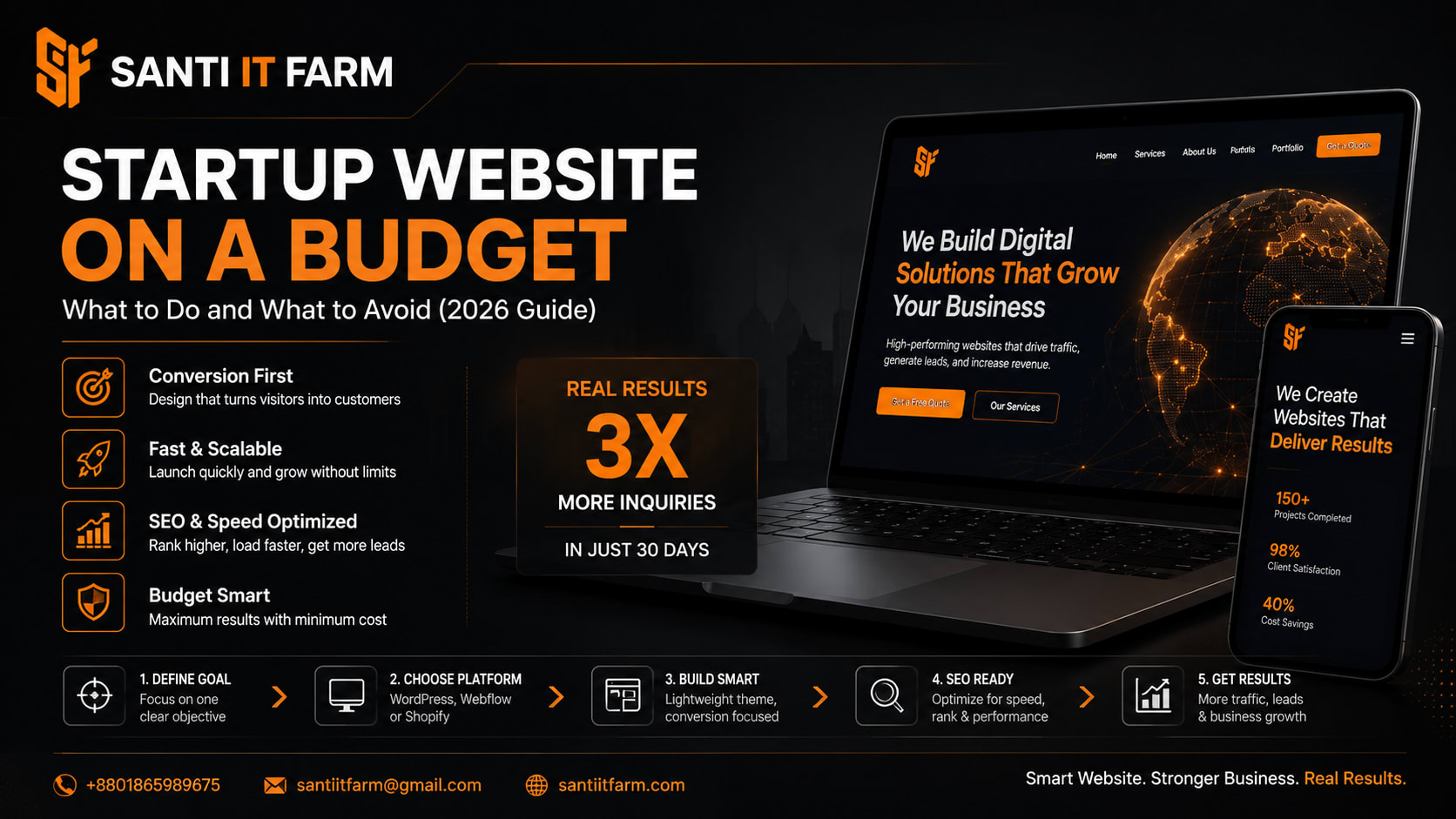
- Result: 3x increase in inquiries within 30 days
- Ranked on Google for local keywords
- Reduced ad spend by 40%
Step-by-Step Implementation Guide
Step 1: Define Your Goal
- › Lead generation?
- › Portfolio?
- › E-commerce?
- › Don't build everything—focus on one goal.
Step 2: Choose the Right Platform
- › Best budget-friendly options:
- › WordPress (most flexible)
- › Webflow (design-focused)
- › Shopify (for e-commerce)
Step 3: Use a Lightweight Theme
- › Avoid heavy templates.
- › Choose: Fast-loading, mobile responsive, minimal design.
Step 4: Create Conversion-Focused Pages
- › Must-have pages:
- › Home (clear value proposition)
- › Services (problem + solution)
- › About (trust building)
- › Contact (easy action)
Step 5: Optimize for SEO from Day One
- › Use proper headings (H1, H2, H3)
- › Add keywords naturally
- › Optimize images and speed
Step 6: Add Clear Call-to-Actions (CTA)
- › Examples:
- › 'Get a Free Quote'
- › 'Book a Consultation'
- › 'Start Your Project'
Step 7: Test & Improve
- › Track user behavior
- › Improve based on data
- › Keep updating content
Tools & Technologies
Common Mistakes to Avoid
Going Too Cheap
Cheap developers often skip: SEO structure, mobile optimization, speed performance.
Overloading Features
Too many features = slow website + confused users.
Ignoring SEO
No SEO = no traffic.
No Clear CTA
Visitors don't know what to do → no conversions.
Poor Hosting
Cheap hosting = slow load time = high bounce rate.
FAQ Section
Conclusion
A startup website on a budget is not about cutting corners—it's about making smart decisions that drive real business results.
If you: focus on conversions, use the right tools, avoid common mistakes—
You can build a powerful online presence without overspending.
CTA: Build It Right the First Time
If you're serious about growing your business, don't risk your first impression with a low-quality website.
Santi IT Farm helps startups:
Whether you're starting from scratch or fixing a broken site—we've got you covered.
- Build high-converting websites
- Optimize for SEO & speed
- Turn visitors into paying clients
Contact Santi IT Farm today and get a website that actually brings results.
Get Started