Introduction
Building a professional business website often feels expensive, confusing, and overwhelming—especially for startups and small businesses.
You've probably seen quotes ranging from $50 to $5,000+ and thought: 'What do I actually need—and what's just a waste of money?'
Here's the truth: You don't need a huge budget to build a powerful, high-converting website.
You need the right strategy, tools, and execution.
In this guide, you'll learn exactly how to build a business website without overspending—while still looking professional and driving real results.
Quick Answer
- Use cost-effective platforms like WordPress or Shopify
- Focus on essential pages only (not everything at once)
- Use premium templates instead of custom design initially
- Invest in conversion (speed, mobile, UX) over 'fancy design'
- Outsource smartly instead of hiring expensive agencies blindly
What is "Building a Business Website on a Budget"?
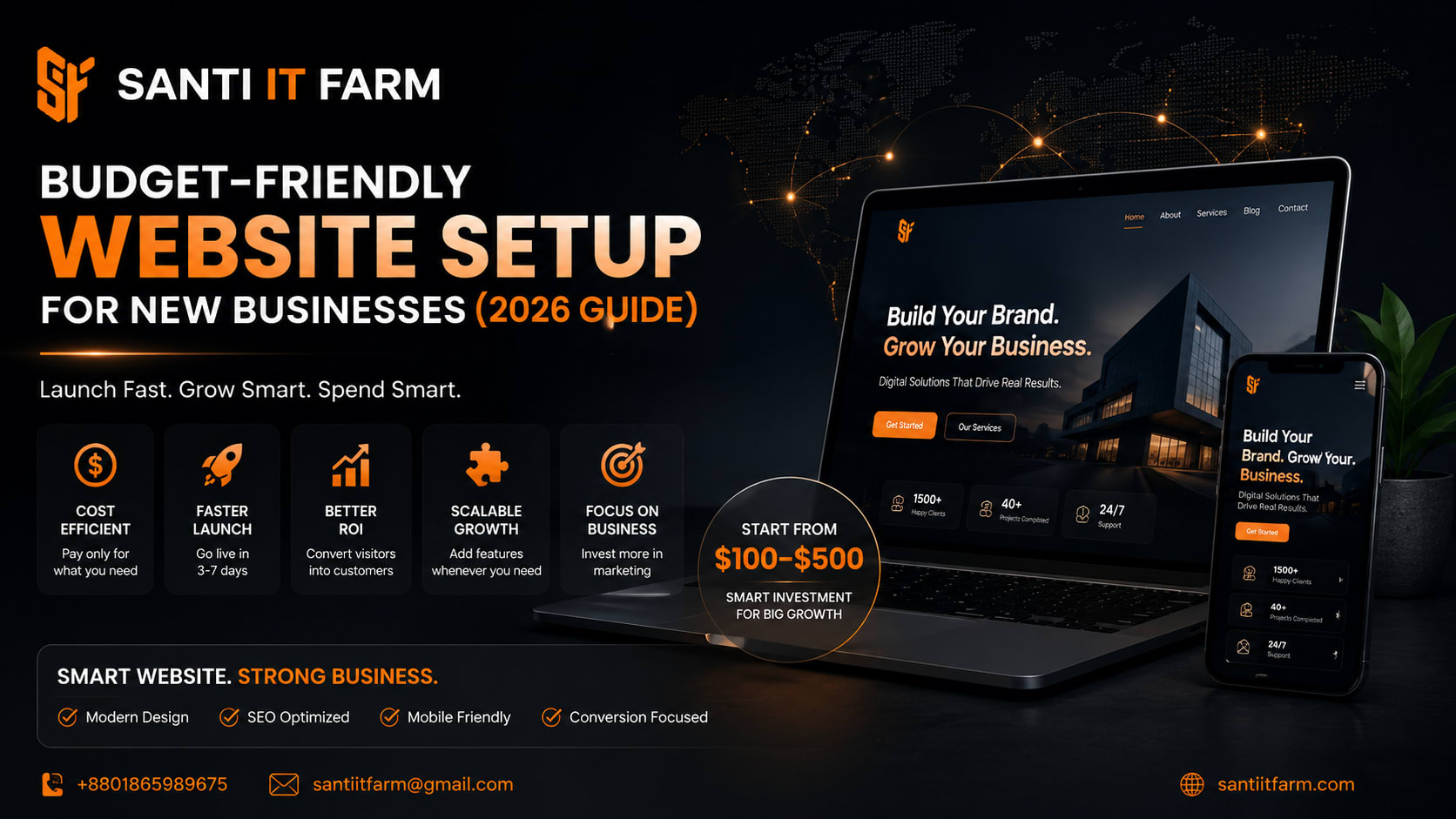
Building a business website on a budget means: minimizing unnecessary costs, prioritizing ROI-focused features, using scalable tools and frameworks, and launching fast, then improving over time.
It's not about going 'cheap'—it's about being strategic with every dollar.
Why It Matters in 2026
- In 2026, your website is no longer optional—it's your digital storefront, sales team, and brand identity combined.
- Customers check your website before trusting you.
- Google rankings depend on website quality and speed.
- Paid ads don't convert without a strong landing page.
- Competitors are investing heavily in digital presence.
- If your website is slow, outdated, or missing—you're losing customers daily.
If your website is slow, outdated, or missing—you're losing customers daily.
Key Benefits of a Budget-Optimized Website
Lower initial investment
Launch without financial pressure.
Faster time to market
Go live in days, not months.
Better ROI
Focus on what actually brings leads.
Scalability
Upgrade as your business grows.
Conversion-focused
Built to generate leads, not just look pretty.
Real Business Use Case
Before
- — Scenario: A small local business owner wants to start online but has only $300 budget.
- — What they did:
- — Used WordPress with a premium theme ($50)
- — Bought hosting + domain ($80/year)
- — Created 5 core pages (Home, About, Services, Contact, Blog)
- — Added WhatsApp chat integration
- — Optimized for mobile and speed
After
- Result:
- Website launched in 5 days
- Started getting organic traffic within 2 weeks
- Generated first 3 clients in 30 days
- Total cost: Under $200
- ROI: Massive
Step-by-Step Implementation Guide
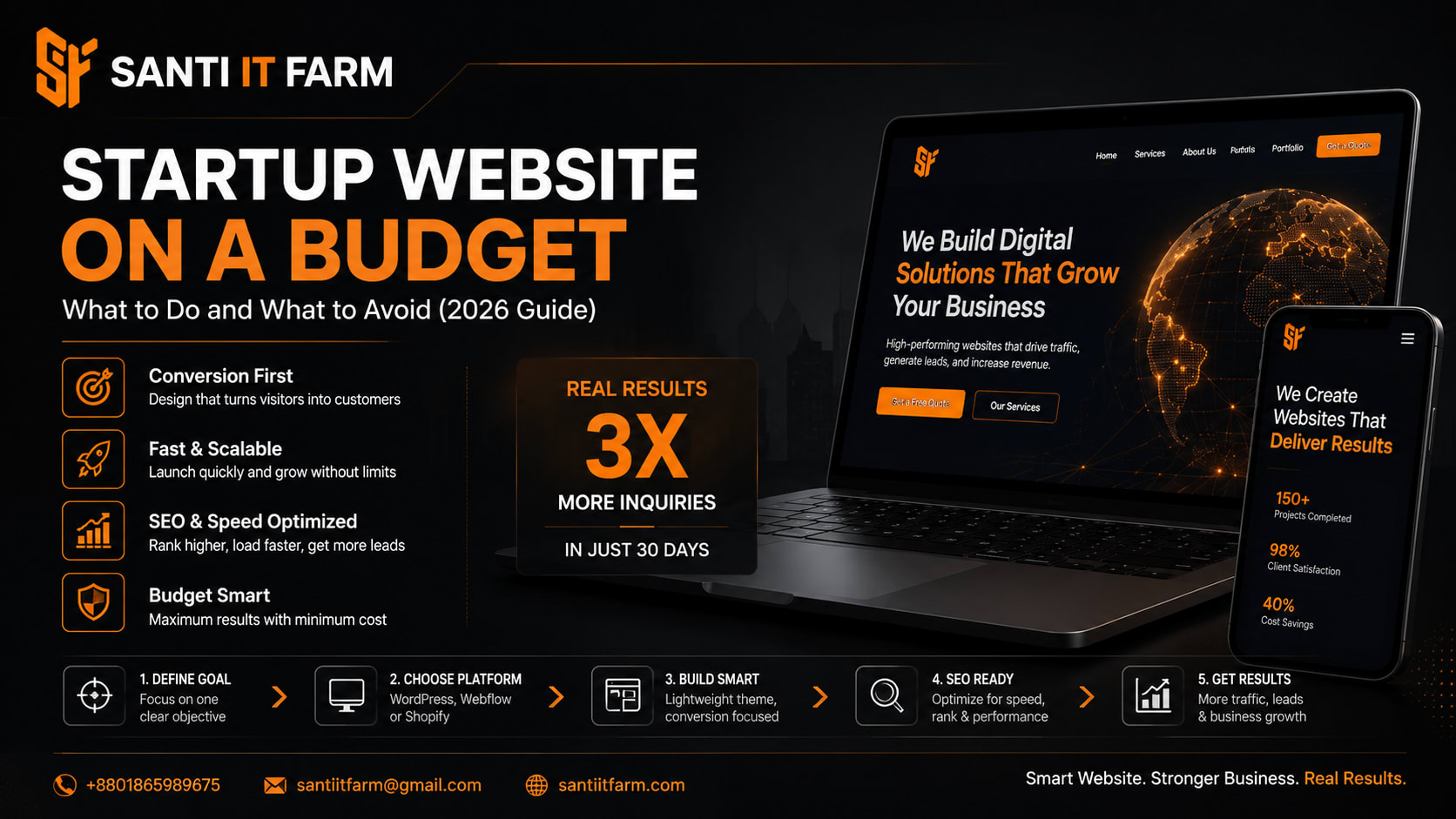
Step 1: Define Your Goal
- › Before building anything, ask: Do you want leads or sales?
- › Who is your target audience?
- › What action should users take?
- › Clear goals = better website structure.
Step 2: Choose the Right Platform
- › Best budget-friendly options:
- › WordPress → Flexible, scalable, SEO-friendly
- › Shopify → Best for eCommerce
- › Wix → Easy but limited scalability
- › Recommendation: WordPress for most businesses.
Step 3: Buy Domain & Hosting
- › Domain: Your business name (.com preferred)
- › Hosting: Reliable + fast (avoid ultra-cheap slow servers)
- › This is NOT where you should cut too much cost.
Step 4: Use a Premium Template
- › Instead of custom design: Buy a professional theme ($30–$70)
- › Customize with your brand colors and content.
- › Saves thousands while still looking premium.
Step 5: Build Essential Pages Only
- › Start with: Home, About, Services, Contact, Blog (optional but powerful for SEO).
- › Don't overbuild initially.
Step 6: Optimize for Conversion
- › Focus on: Fast loading speed, mobile responsiveness, clear CTA (Call-to-Action), simple navigation.
- › A simple site that converts > fancy site that doesn't.
Step 7: Add Lead Generation Tools
- › WhatsApp chat
- › Contact forms
- › Email capture
- › Turn visitors into leads immediately.
Tools & Technologies
Here are proven tools professionals use.
Common Mistakes to Avoid
Choosing the cheapest developer without checking quality
Overloading the website with unnecessary features
Ignoring mobile optimization
Not focusing on SEO from the beginning
Using free themes that look unprofessional
No clear CTA (users don't know what to do)
Biggest mistake: Treating your website as an expense instead of an investment
FAQ Section
Conclusion
Building a business website without breaking your budget is completely possible—if you focus on strategy over shortcuts.
You don't need a huge investment.
You need: clear goals, smart tools, and conversion-focused design.
Done right, your website becomes your best sales asset.
Ready to Build a High-Converting Website?
If you want a professional, budget-optimized website that actually brings clients, you don't have to figure it out alone.
Santi IT Farm specializes in:
Whether you're starting from scratch or upgrading your current site, we help you save money and grow faster.
Contact Santi IT Farm today at santiitfarm.com and turn your website into a powerful business engine.
- Affordable business website design
- Conversion-focused development
- SEO-ready structure from day one
- Fast delivery for startups & SMEs
Contact Santi IT Farm today at santiitfarm.com and turn your website into a powerful business engine.
Get Started